Invite your bloggers
Included in your free plan, you can invite up to 3 members (bloggers or friends).
Written By Luke Rowley
Last updated 5 days ago
Manually invite your bloggers
Manually invite your bloggers
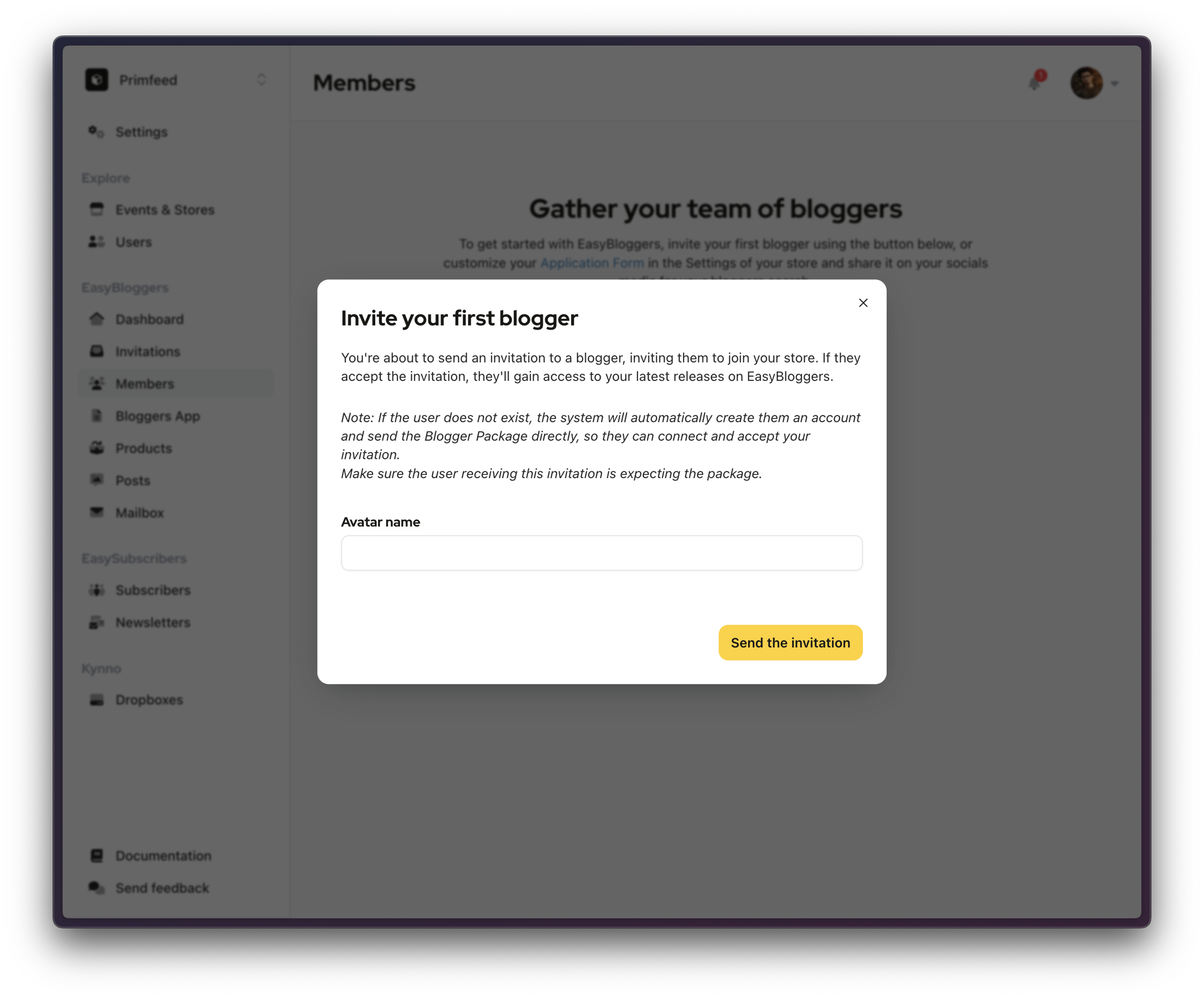
From the Members page on the left, you can manually invite bloggers to join your team. If you don't have any members yet, click on the button at the center of the page. Otherwise, this button is at the top right.
Search for bloggers in Explore
Search for bloggers in Explore
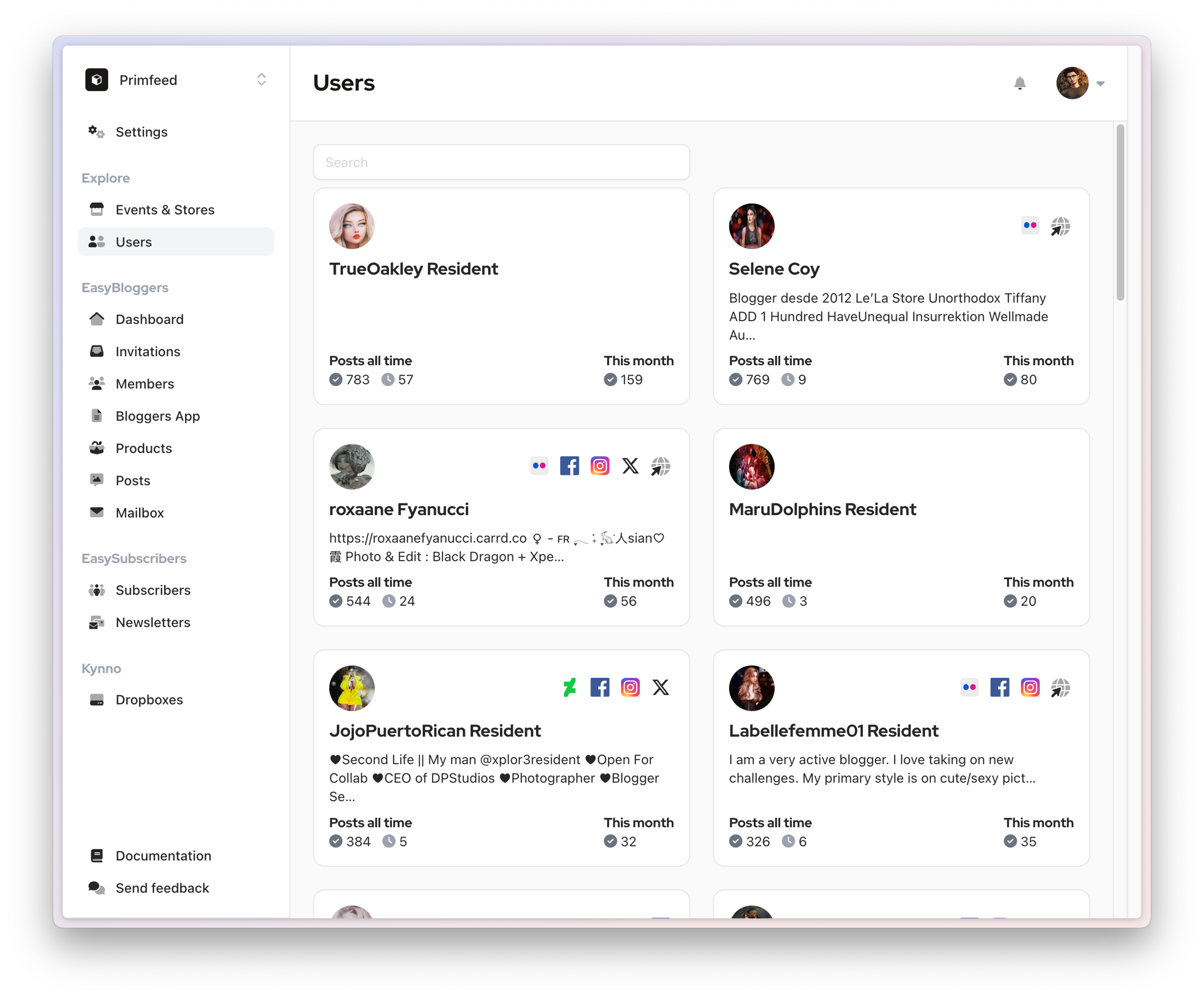
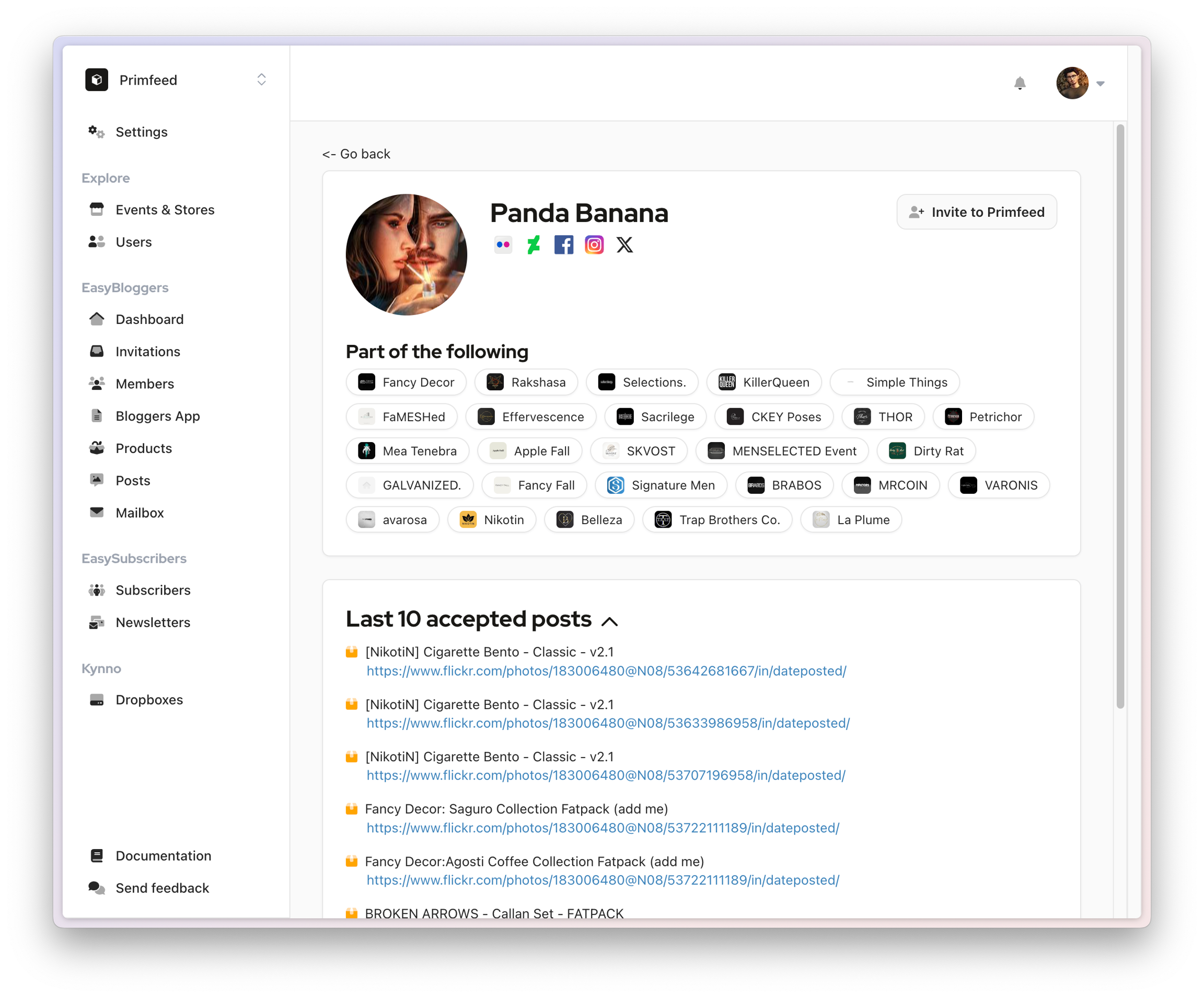
The Explore section gives you access to a list of bloggers you can manually invite to your brand.
Application form
Application form
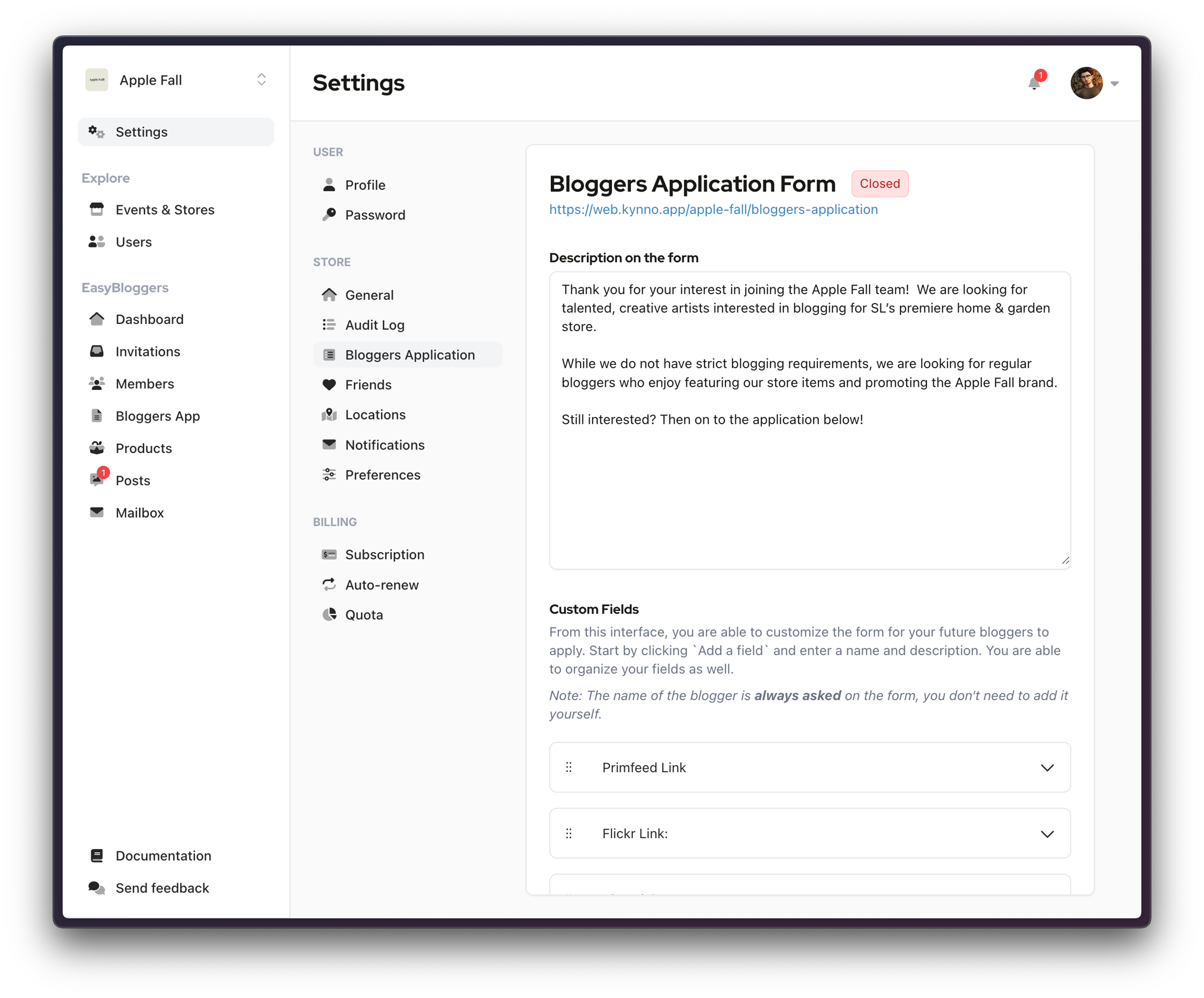
Reserved to paid subscriptions only, another way to add bloggers to your brand is from the applications you receive when your Bloggers Application form is opened.
Was this helpful?
Still need help? Share an idea