Get Primfeed Pro perks for your store page
Any paid Primeasy plan gives your store's Primfeed page the Primfeed Pro perks and the verified badge. You don't need a separate Primfeed Pro subscription.
Written By Luke Rowley
Last updated About 4 hours ago
Every Primeasy store also has its own page on Primfeed. On the Free plan, that page has the same limits as a free Primfeed personal account. As soon as your store has an active paid Primeasy plan (Starter, Pro, Ultra or Event), its Primfeed page gets the Primfeed Pro perks and a verified badge.
You only need the Primeasy subscription. Primfeed Pro on your personal account doesn't apply to your store, and you don't need it to get these perks on your store page.
What your store gets
Starter is enough if you only want the Primfeed perks. The higher plans unlock more in EasyBloggers, EasySubscribers and EasySupport, plus a few extras on Primfeed.
Verified badge next to your store's name.
Pictures up to 10,000 x 10,000 (1,500 x 1,500 on Free).
Uploads up to 200 MB per file (50 MB on Free).
Videos up to 10 minutes, or 20 minutes on Ultra and Event (45 seconds on Free).
Edit your posts at any time (up to 90 days after posting on Free).
Public Gallery: up to 8 pictures per 24 hours, or 12 on Ultra and Event (4 on Free).
Events: create events on the Events page.
Scheduled posts.
Featured Content: toggle its visibility.
Comments: choose who can comment on your posts, or turn comments off.
Polls with up to 6 choices (2 on Free).
Formatting: text and highlight colors, code and alignment in your posts and about section.
Albums: up to 100 albums, 100 of them shared (5 and 2 on Free), and up to 6 featured on your page (3 on Free).
Managers who post and reply as your store: 1 on Starter, 5 on Pro, 10 on Ultra and Event (none on Free). See Add or remove managers on a store account.
Subscribe from Primfeed
The quickest way if you only want the Primfeed perks, only the store owner can subscribe.
On Primfeed, switch to your store account.
Open Settings and go to the Subscription tab.
Click Purchase a subscription.
Pick 1 Month, 6 Months or 1 Year, then click Subscribe and pay online.
This page only sells the Starter plan. For Pro, Ultra or Event, you need to subscribe from Primeasy.
Subscribe from Primeasy
Sign in to Primeasy and select your store.
Open Settings, then Billing > Subscription.
Click Purchase a subscription and choose your plan.
Pay in L$ in-world and get the Second Life membership discounts
Do you prefer to pay your subscription in Linden dollars? Visit the Primeasy mainstore in Second Life and subscribe at the terminal.
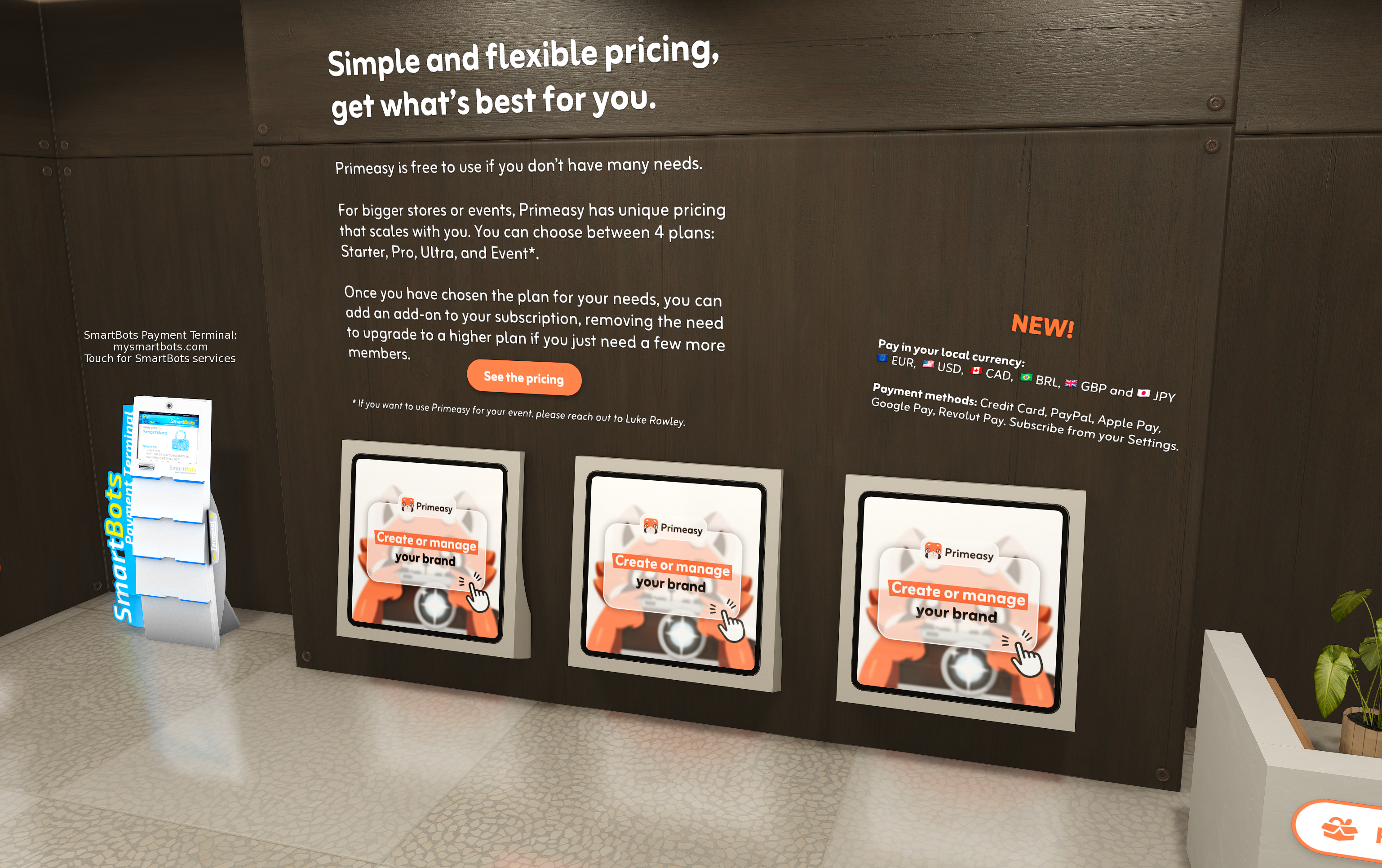
Second Life Premium and Premium Plus members get a discount when they pay in L$, see Second Life x Primfeed x Primeasy Partnership.
Auto-renewal of your subscription
You can setup the automatic renewal of your subscription via Setup the auto-renewal.
Was this helpful?
Still need help? Share an idea