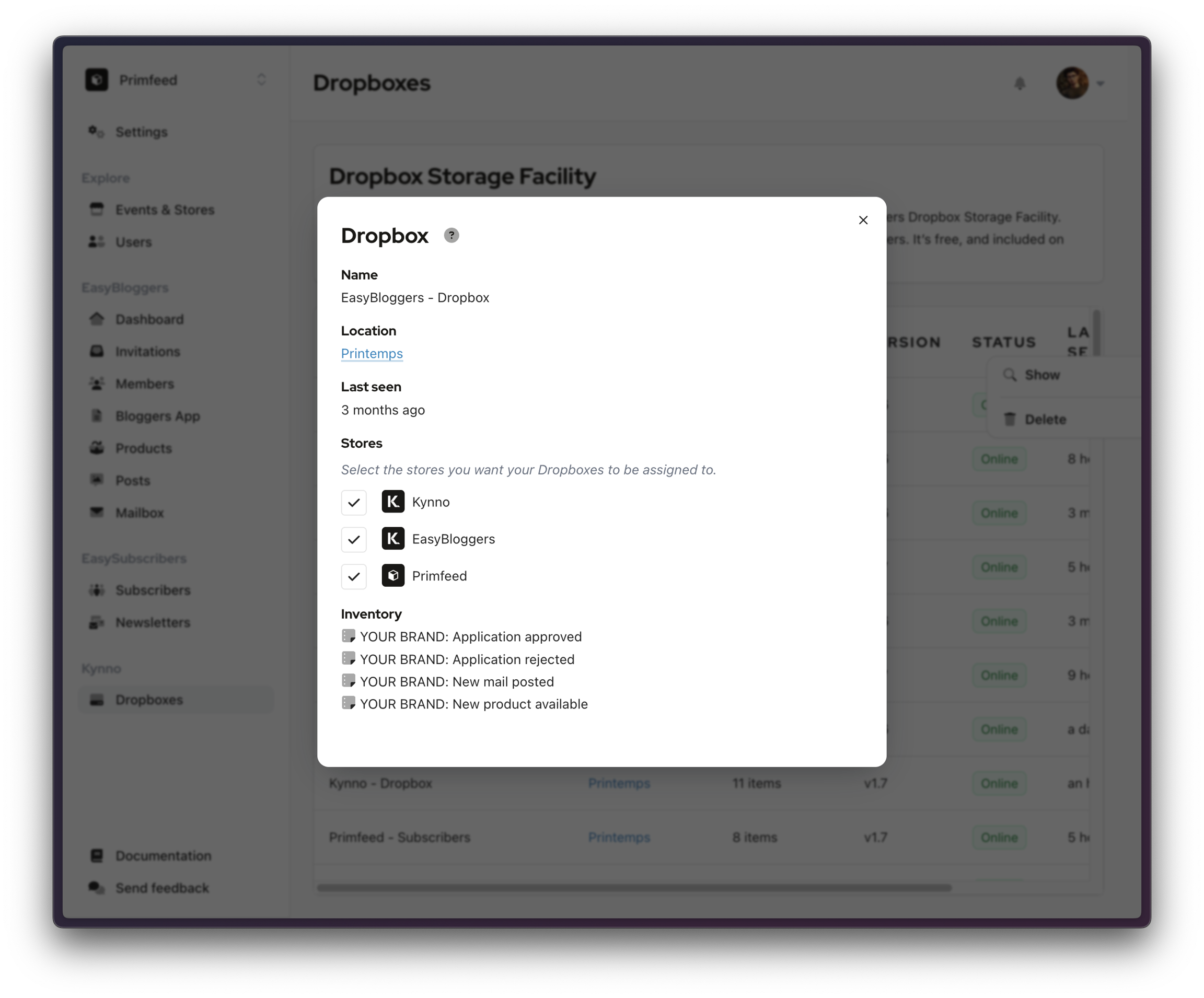
Store Selector
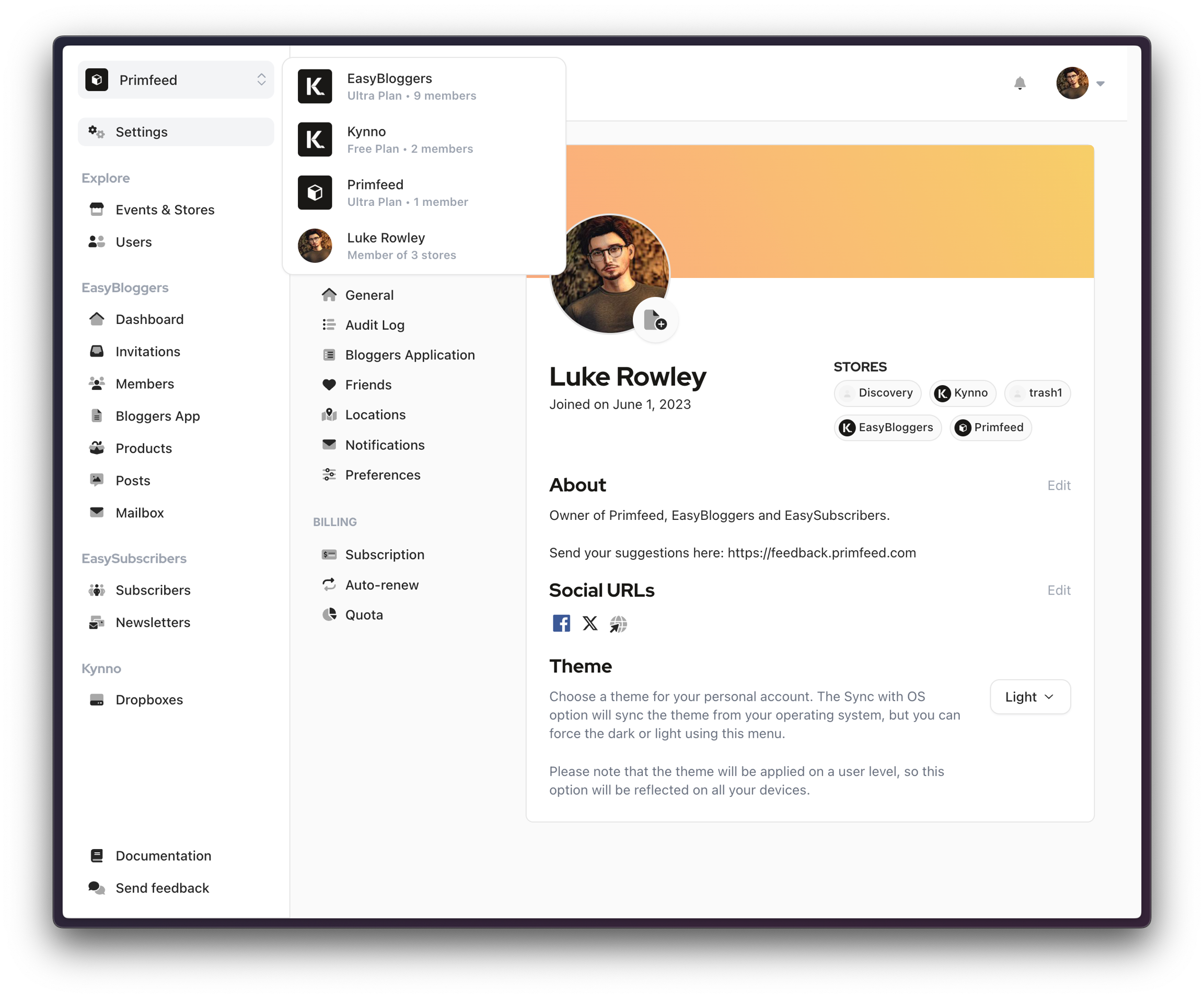
Each user are able to select the store and role they want to interact on EasyBloggers. If you are a brand owner, manager, or blogger, you can choose the store with which you want to work.
Written By Luke Rowley
Last updated 5 months ago
You'll see an icon with two arrows at the top left of your screen when available. When you click on it, a list of the stores will appear, and you can select one. Click on your name to see your blogger view.
Dropboxes - Creators