Leave a store
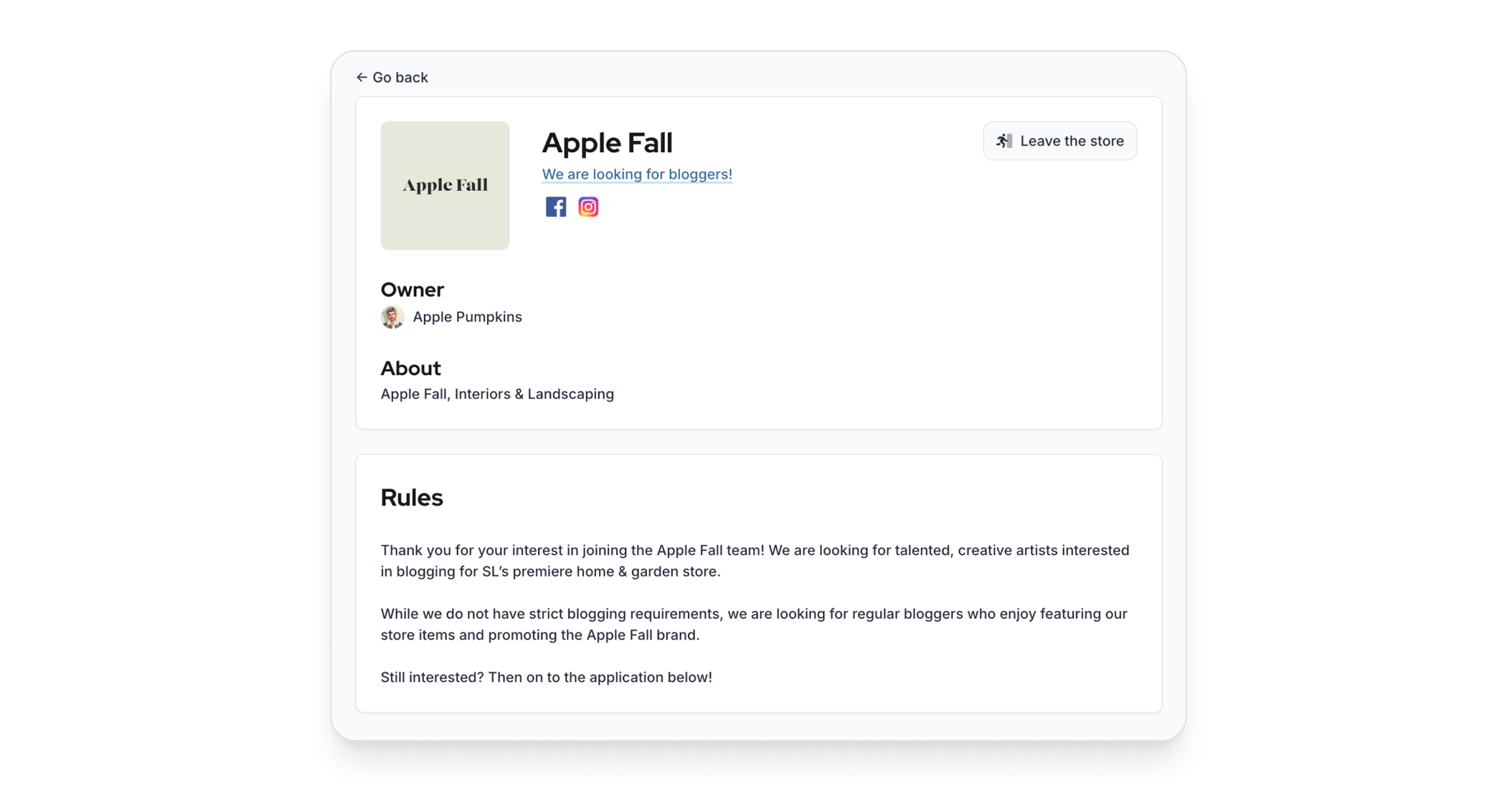
To leave a store, first go to the store's profile. From there, you will see a button, "Leave the store". Click on it, and fill up the comment.
Written By Luke Rowley
Last updated 5 days ago
You must include a comment explaining why you are leaving the store. This is important, and it allows the store to improve in the future.
Was this helpful?
Still need help? Share an idea